
Palomar Amateur Radio Club STEM Experimentation Lab
📡 KiwiSDR Information
The STEMLab's HF Bench features a KiwiSDR v2 wide-band HF software defined radio. The KiwiSDR is an open-source SDR project built by John Seamons as a "cape" for a BeagleBone Black or Green single-board computer. The KiwiSDR software is open-source and can be downloaded from GitHub. The KiwiSDR is capable of covering the entire HF band simultaneously. It is different from our other SDRs in that it has its own single-board computer and connects directly to a local network to serve multiple clients simultaneously with just their web browser.
The KiwiSDR is a very sophisticated device with numerous options and functions and is well worth taking the time to understand. Many members of the KiwiSDR user community make their KiwiSDRs freely accessible online so that anyone can connect to and use them.
| Technical Specifications | |
|---|---|
| Interface | Ethernet (10/100 Mbps) |
| Frequency Range | 10 kHz – 30 MHz |
| Max Bandwidth | 32 MHz (Simultaneous) |
| Frequency Sync | Active GPS Antenna |
| Capacity | 4 simultaneous users |
| Software | Customized OpenWebRX interface (Browser-based) |
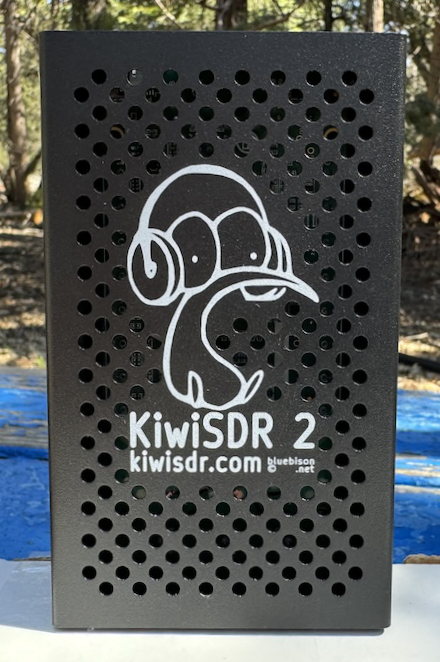
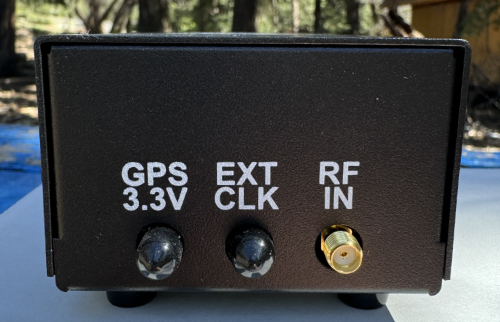
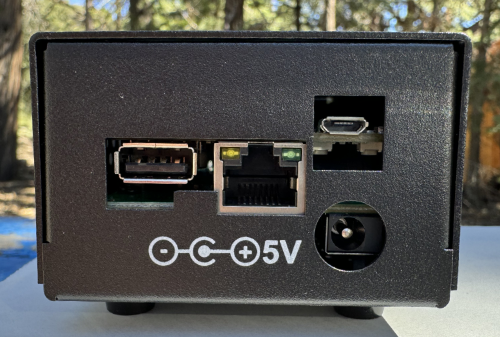
Why the KiwiSDR is Unique
The KiwiSDR stands out in the SDR world for two primary reasons: GPS-Synchronized Tuning and TDoA (Time Difference of Arrival) capabilities. Because it uses a dedicated GPS antenna, its frequency calibration is extremely precise, allowing the device to act as a reference receiver. Furthermore, it is part of a global network; you can combine signals from multiple public KiwiSDRs around the world to triangulate the location of a signal source—a fascinating experiment for students in radio propagation.
The PARC KiwiSDR is version 2, the newest iteration of the very popular KiwiSDR that became available in early 2024. The KiwiSDR is connected to an active GPS antenna which provides a stable time base to keep it accurately tuned.
More information on how to operate the KiwiSDR is provided at the links below.
- Operating the STEMLab's KiwiSDR: ⓘ KiwiSDR Operating Instructions
- PARC's KiwiSDR Tutorial (free pdf download) 📑 KiwiSDR Tutorial Download
- Quick Introduction to using the KiwiSDR (from kiwisdr.com): 🔗 Introduction to using the KiwiSDR
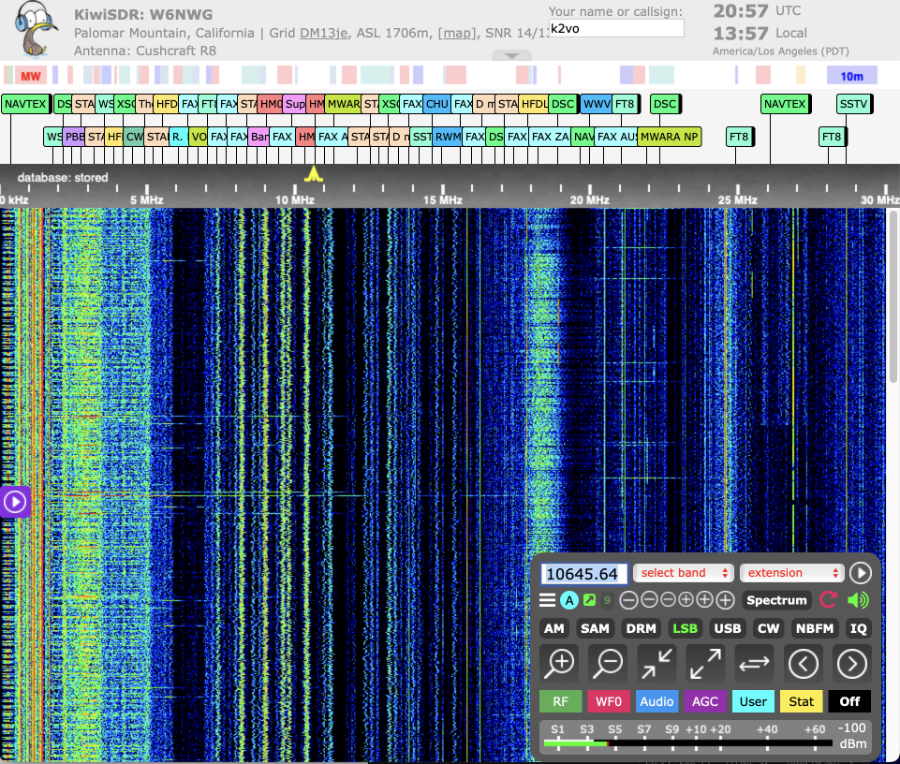
KiwiSDR is operated through a built-in, highly customized, version of OpenWebRX making it conveniently accessible to multiple clients. The KiwiSDR's main web interface is shown above.
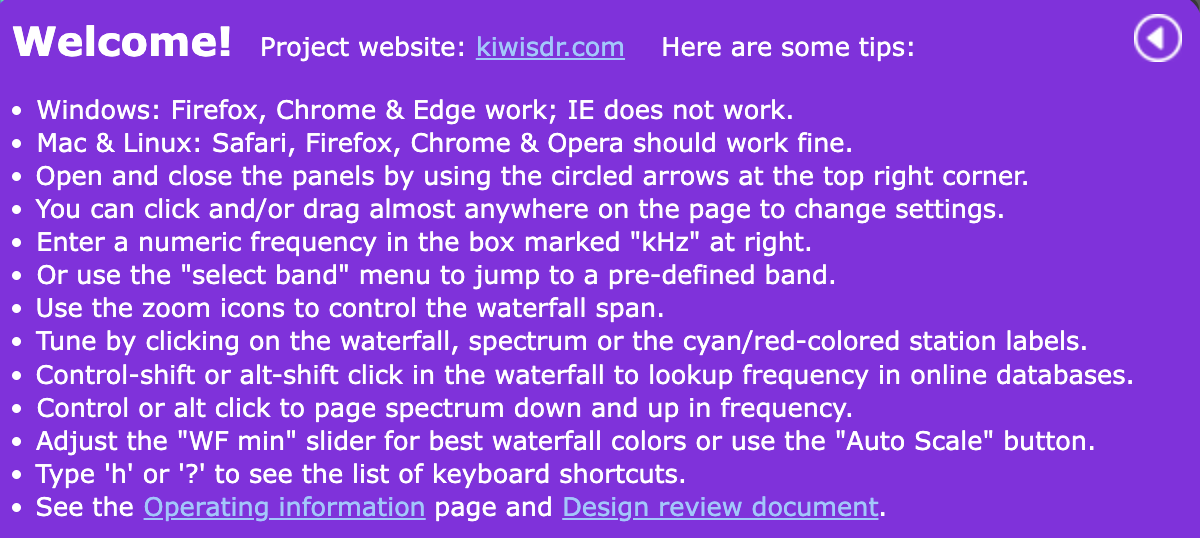
It can be restored by clicking on the unhide button which looks like the button below.

The unhide button will appear on the side of the waterfall display (see the red arrow to the right).

References:
• KiwiSDR Information 🔗 KiwiSDR Website
• KiwiSDR Source Code Repository 🔗 KiwiSDR GitHub Repository
• List of publicly accessible KiwiSDRs: 🔗 Public KiwiSDR List
Note: PARC does not sell or endorse any products mentioned in these pages.
Information is provided for education and instructional purposes only.